August 10, 2026
This release introduces a new variable type of "Multi-Select List", which allows users to select multiple predefined values within a single field. In addition, we've redesigned the Application Notes experience with richer editing capabilities, streamlined collaboration, and improved usability, along with overall platform stability improvements.
Release Details
Multi-Select List Variables
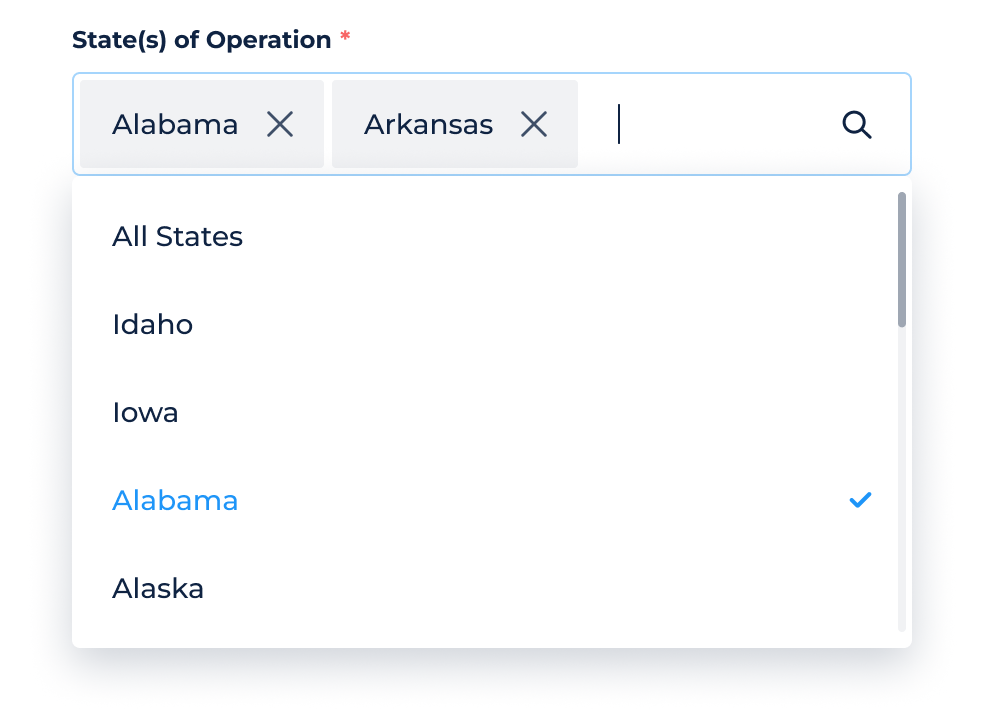
DigiFi now supports a new Multi-Select List variable type, allowing users to select multiple values from a predefined list within a single variable.
Unlike the standard List variable, which allows only one option to be selected, Multi-Select List supports selecting multiple options.
You can now:
- Create variables using the new Multi-Select List data type.
- Configure available options for selection.
- Select one or multiple options within a single variable.
- Add Multi-Select List variables as columns within Table variables.
Multi-Select List variables can be used throughout the platform, including Lender Application Views, Manual Application Forms, Standard Lending Portals, Borrower and Intermediary Profiles, Workflows, Data Integrations, and APIs.
Multi-Select List Variable Usage
Formulas
You can reference Multi-Select List variables in formulas using the variable system name followed by the .items property.
Examples:
Check whether a value is selected: INCLUDES("Alabama", borrower_states.items)
Assign values to a Multi-Select List variable: IF(borrower_type == "Person", ["Alabama", "Arkansas"], ["California"] )
Multi-Select List values are represented as arrays. When returning a value for a Multi-Select List variable in formulas, the result should be provided in square brackets
[].
API
Multi-Select List variables are represented as an array of selected values when exchanged through the API:
"borrower_states": { "type": "list", "items": [ "Alabama", "Arkansas" ] } Where:
borrower_statesis the Multi-Select List variable's system name.typeindicates that the variable contains a list of values.itemscontains the selected option values.
Application Notes Enhancements
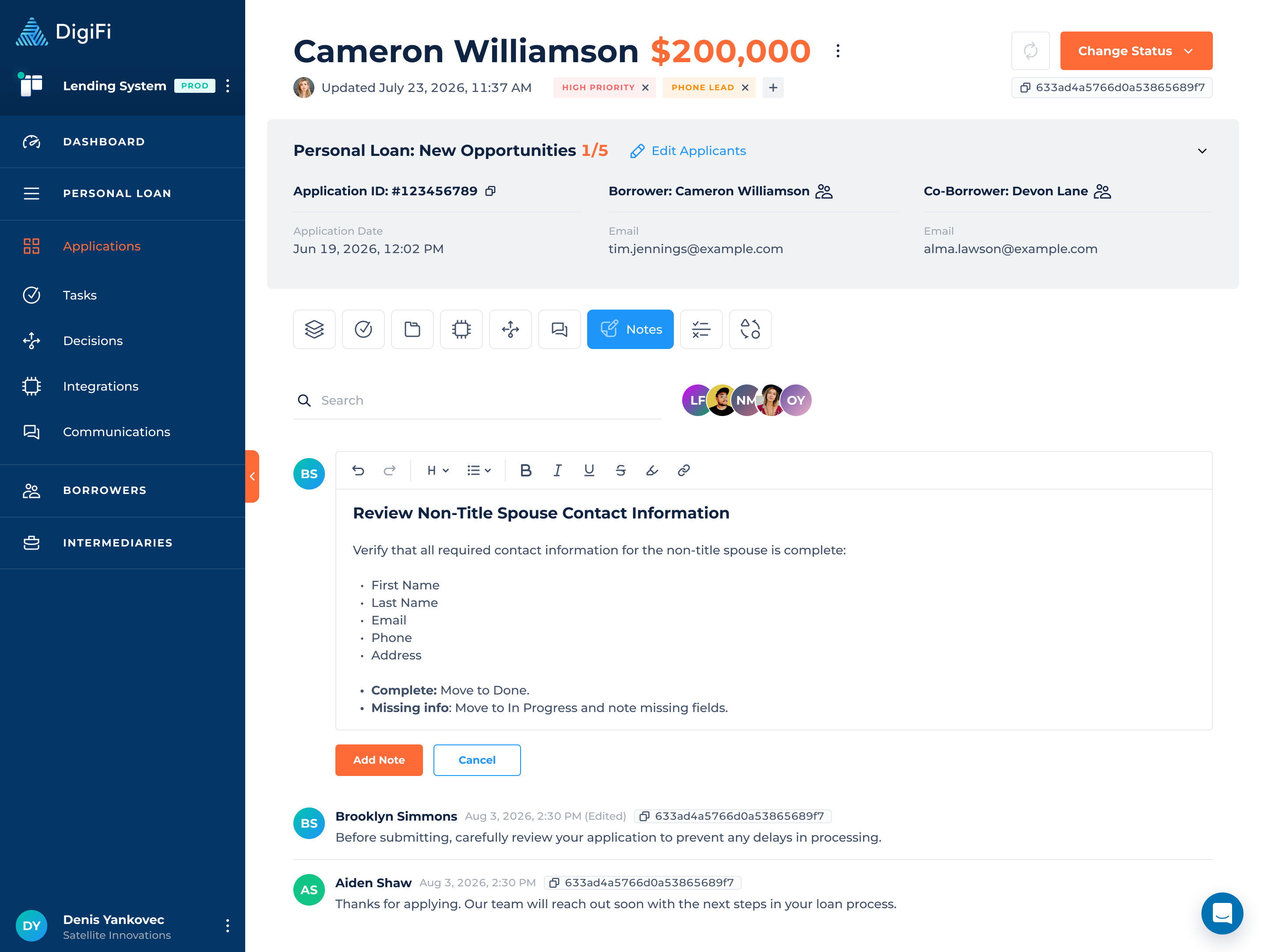
The Application Notes section has been redesigned to provide a cleaner interface, better readability, and a more streamlined way to manage notes.
Updated Notes Experience
The notes view and editing experience have been improved with:
- Updated layout for clearer content presentation.
- Improved note creation and editing interface.
- Simplified note actions and interactions.
Note Permissions & History Tracking
Note ownership controls and activity tracking have been enhanced:
- Only note authors can edit or delete their own notes.
- Edit and Delete actions are hidden for notes created by other users.
- Read-only users cannot create, edit, or delete notes.
- Application History now records note updates, and edited notes are marked with an "Edited" indicator.