
May 18, 2026
This release introduces enhancements to end-user authentication, Lending Portal accessibility, and Data Integration capabilities for advanced document processing workflows. It also includes platform stability improvements, UI refinements, and backend optimizations.
Release Details
Customer-Owned Twilio for Portal Authentication SMS
SMS messages used for borrower and intermediary portal authentication, including sign-up verification and login verification codes, will now be sent through the customer’s connected Twilio account instead of DigiFi’s shared Twilio account.
This applies to:
-
Borrower Portals
-
Intermediary Portals
-
Custom portals using DigiFi Auth APIs
What’s Changing
Previously, authentication SMS messages (such as sign-up verification and login 2FA codes) were sent using a DigiFi-managed Twilio account, and it was not possible to replace them with your own Twilio credentials.
With this update:
- Authentication SMS messages are now sent via the customer’s own Twilio account
- A connected Twilio account is required to activate Lending Portals
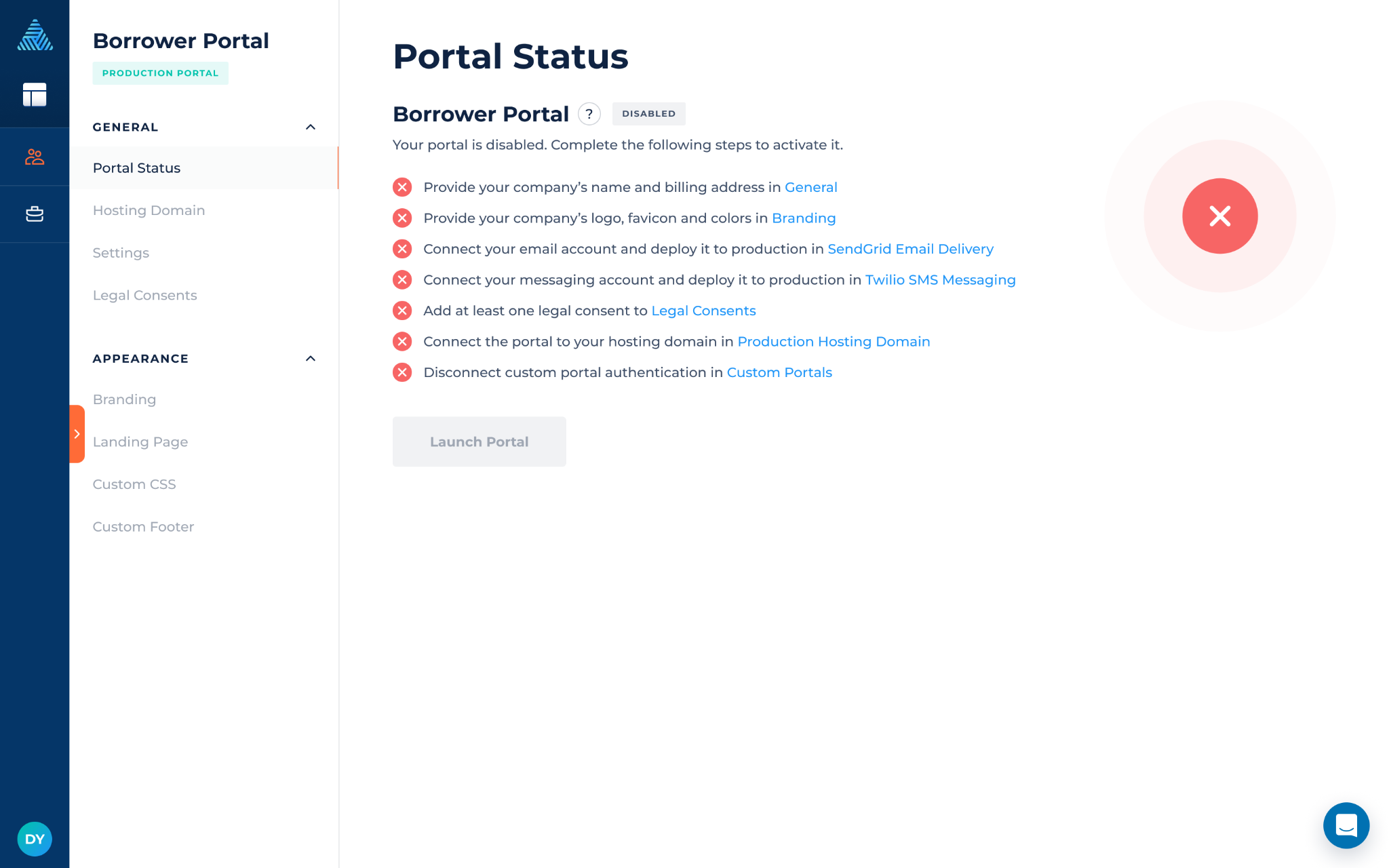
This change provides:
-
Full ownership of authentication SMS delivery
-
Improved visibility and monitoring of message delivery
-
Direct access to Twilio logs and usage tracking
-
Greater control over messaging configuration and compliance
Temporary Fallback Support
If a customer Twilio account is not connected, DigiFi will temporarily continue using a DigiFi-managed Twilio account during the transition period until June 18.
We recommend connecting your Twilio account before this date to ensure uninterrupted portal authentication.
Twilio can be connected via: Lending Setup > Marketplace > Twilio SMS Messaging
Data Integration Enhancements
Dynamic File Name Mapping
You can now dynamically define file names for decoded Base64 files using values from the integration response. Additionally, the file extension field is now optional, as the file type can be determined directly from the provided path.
You can combine:
-
Application variables
-
Static text
-
Response values
Where to configure Lending Setup > Loan Product > Data Integration > Advanced Configuration > Additional Configuration
New Syntax:
{{@response.path.to.field}}
Example
- Response:
{ "folder": { "file": { "title": "Closing_Doc", "type": "pdf" } } }
- Mapping:
name: "{{borrower_first_name}} - {{@response.folder.file.title}}.{{@response.folder.file.type}}" - Result (if borrower is John): John - Closing_Doc.pdf
Expanded File Limits for Data Integrations
Previously, Data Integrations could decode up to 5 Base64 files per integration run and store a maximum of 10 files in the integration result.
This limit has now been increased to 50 files per integration result, including Base64-decoded files and files returned via integration URLs. Base64 decoding is no longer limited to 5 files per run.
If an integration result contains more than 10 files, the additional files will be displayed using pagination.