
Gestalt
How to connect Gestalt to the DigiFi platform.
Overview of DigiFi-Gestalt Integration
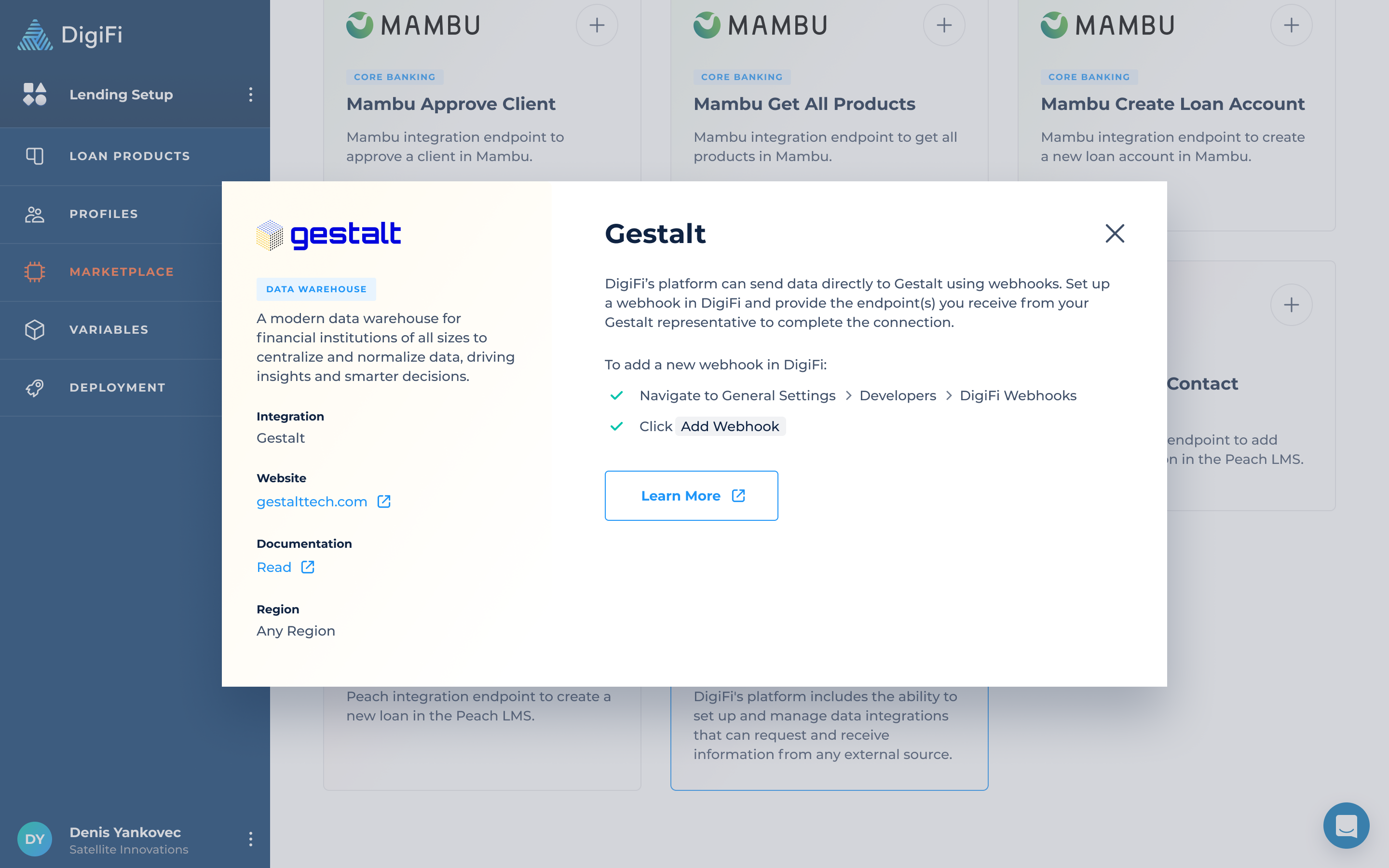
DigiFi can be connected to the Gestalt platform, a modern data warehouse that centralizes and normalizes data from FIs of all sizes to drive smarter decisions and actionable insights.
The integration can be set up using DigiFi webhooks, which push real-time notifications to external applications when events occur.
How to Obtain Gestalt Endpoints
The DigiFi platform uses your Gestalt endpoints to send data. Please contact Gestalt to obtain your company’s endpoints.
You’ll need to collect the following information for the integration: Webhook Endpoints.
How to Connect the Gestalt Integration
Once you receive the webhook endpoints from your Gestalt representative, you can complete the connection.
To connect Gestalt to DigiFi:
- Navigate to General Settings > Developers > DigiFi Webhooks
- Click on the button.
- Add the endpoint you received from your Gestalt representative.
- Select the events the webhook will listen for from the list.
- Select the data sources (Test or Production mode).
- Save the endpoint.
Updated 9 months ago