
Quiltt Connector
How to connect the Quiltt Connector widget to DigiFi to enable applicants to connect their financial accounts.
Overview of the DigiFi-Quiltt Connector Integration
The DigiFi platform includes a built-in integration with Quiltt Connector, a client-side widget that allows your borrowers to connect their financial accounts, thereby enabling you to access their account information via the Quiltt integrations.
This integration can be set up if you are using the Standard Borrower Portal provided by DigiFi and want applicants to securely connect their financial accounts.
How to Obtain Quiltt Credentials
The DigiFi platform uses your company’s Quiltt credentials to retrieve and send information. Please contact Quiltt to obtain your company’s credentials.
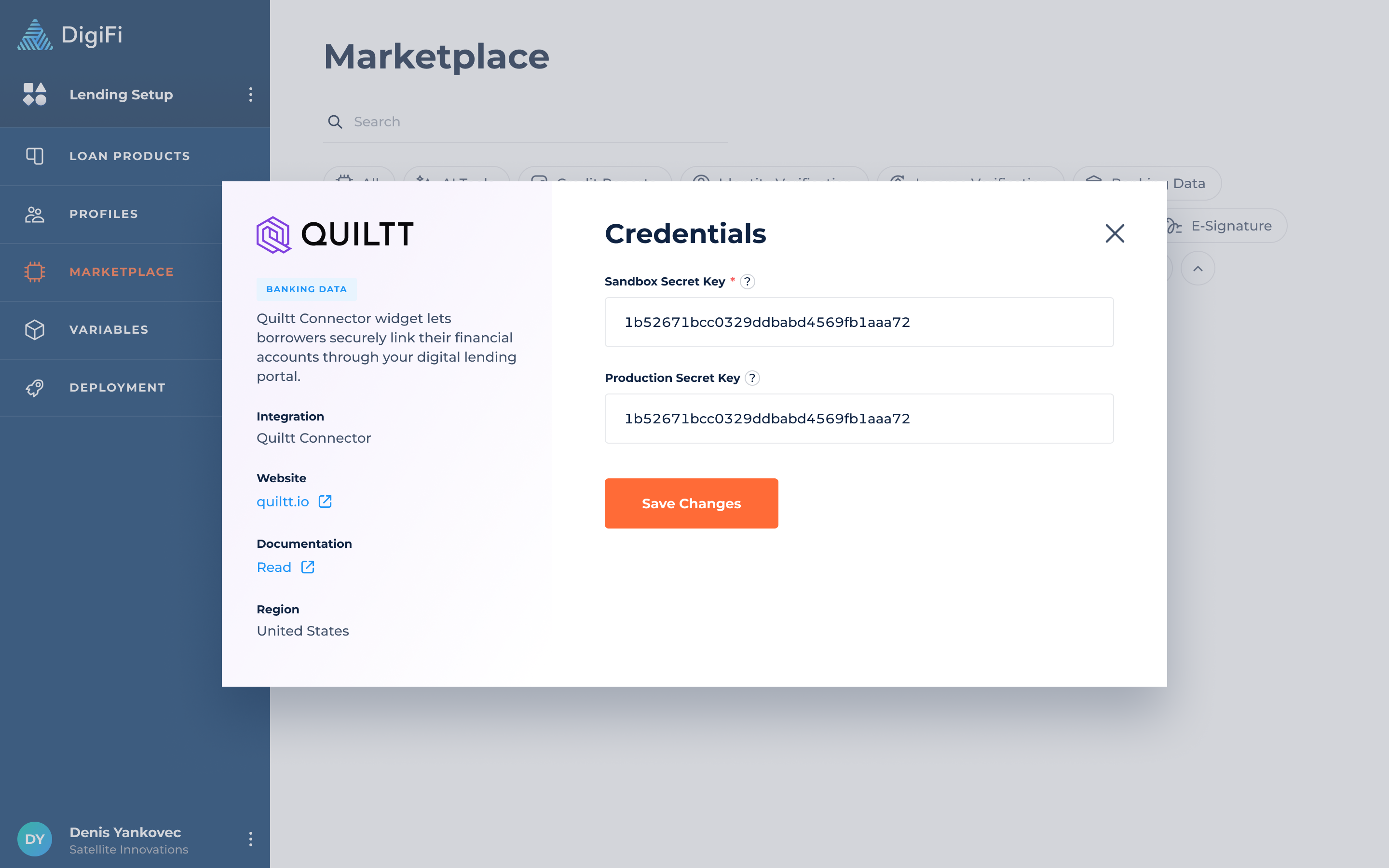
You’ll need to collect the following credentials for the integration: Sandbox Secret Key and Production Secret Key.
How to Connect Your Quiltt Account to DigiFi
Once you have Quiltt credentials, you can enable the Quiltt Connection widget in DigiFi.
To connect your Quiltt account to DigiFi:
- Navigate to Lending Setup > Marketplace > Quiltt Connector.
- Provide your Secret Keys.
- Click the "Save Changes" button.
DigiFi will automatically check that the credentials are valid. If they are, your Quiltt account will now be connected.
Updated about 1 month ago